PIXJUICE / GAME FEEL LAB
Game Feel Lab
Retune a recipe, compare it with the page default, and copy Godot, Unity or web code.
Live recipes
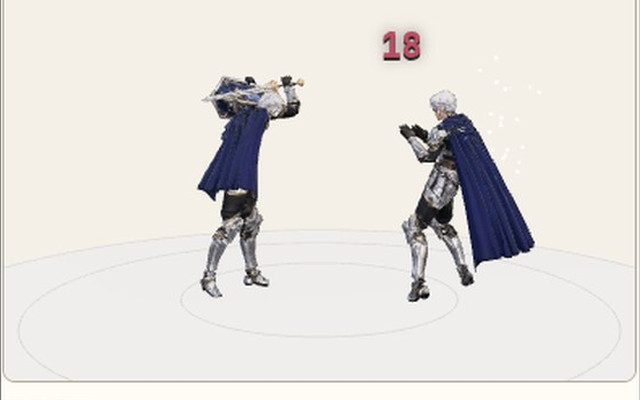
Hit feel
For hits that land but feel soft or mushy.
Web demo · Godot 4 + Unity reference Open the hit feel recipe →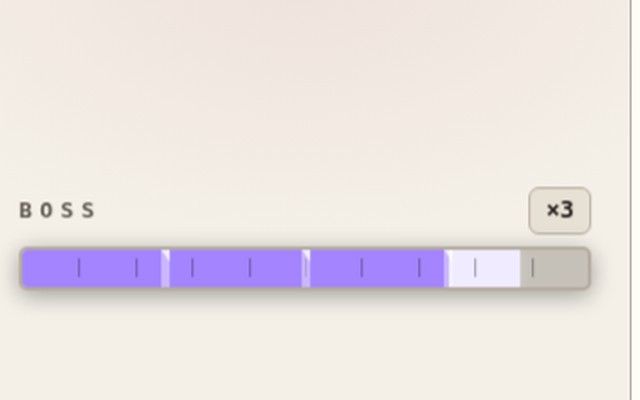
Boss HP bar
For a boss bar that hides how much damage landed, or how close the fight is to ending.
5 layers · Godot 4 + Web Open the boss HP bar recipe →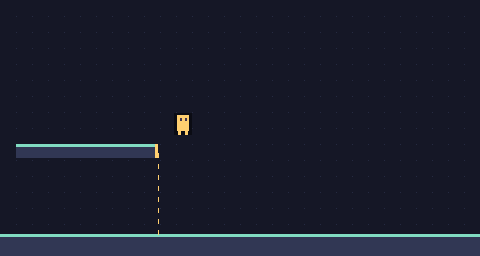
Jump forgiveness lab
Walk off a ledge or press before landing. Replay the same input with the timers off and on.
Character control · JSON + Godot 4 Practice room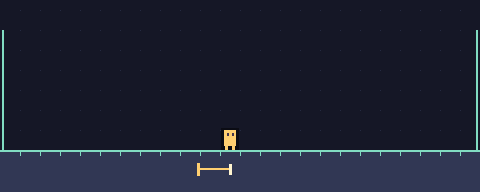
Movement feel lab
Compare how quickly a character starts, stops and steers in the air.
Character control · JSON export Practice room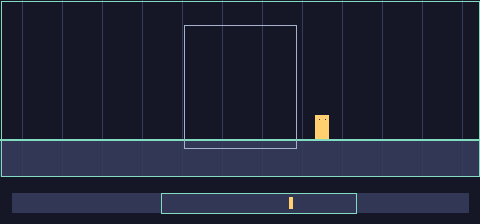
Camera follow lab
Move the target to see when the view holds still, catches up or reaches the wall.
Camera · JSON export Practice room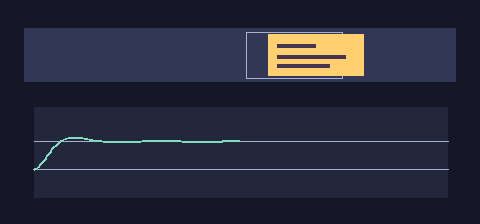
UI spring lab
Toggle a panel and see the simulated spring overshoot and settle on a live plot.
UI motion · JSON export Practice roomHow the labs fit together
Each lab explores a mechanic or shows how several settings interact.
Support input
The game catches what the player meant: latency windows, coyote time, input buffers, corner correction.
- Coyote time
- Input buffer
- Variable jump height
- Corner correction
Physicality simulation
Motion with weight and predictability: gravity and terminal velocity, acceleration and braking, knockback and recoil.
- Gravity & terminal velocity
- Ground acceleration
- Knockback & recoil
- Arm IK force feedback
- Local hit deformation
Amplification juice
Make the hit legible: hit stop, screen shake, flash, particles, layered audio — toggle every layer and stack them.
Context metaphor · rules
The same parameters read differently in another space or metaphor: scale, metaphor, and how much information the screen can carry.
- Spatial scale
- Metaphor
- Readability & information load
Sources & method
Slider numbers are tunable defaults — starting points to retune for your project, not universal rules. Published sources are cited separately below; unlabeled numbers come from action-game practice (the industry's oral tradition), not research. Retune for your game.
- Steve Swink, Game Feel (2008) — the lab's working definition and its six dimensions. Precursor article ↗
- Pichlmair & Johansen, “Designing Game Feel: A Survey”, IEEE Transactions on Games (2022; arXiv 2020) — the design domains this section is built on. arXiv ↗
- Jonasson & Purho, “Juice It or Lose It” (2012) — the toggle-and-compare demo method every recipe here copies. Demo source ↗
- Nijman, “The Art of Screenshake” (2013) — screenshake, knockback and impact layered one decision at a time.
- Song, “Improving the Combat ‘Impact’ of Action Games” (2005) — animation, frame freezing, camera, VFX, rumble, layered audio. Article ↗
- Masahiro Sakurai, Famitsu column vol. 490–491 — hitstop design in fighting games. Translation ↗
- SmashWiki, “Hitlag” — per-game hitlag formulas and caps. Wiki ↗
- Lin et al., “What Features Influence Impact Feel?” (2022) — impact feel ranked across 44 action games; hit stop, sound consistency and camera control as the critical three. arXiv ↗
- Kao, “The Effects of Juiciness in an Action RPG” (2020) — moderate juiciness beats both none and extreme. DOI ↗
- Thorson, “Celeste's forgiveness” (2020) and Fasterholdt et al. (2016) — measured windows and jump parameters for the upcoming Support and Physicality recipes. Post ↗